Desktop add-ins for Revit and browser-based BIM apps — purpose-built to solve real problems on real projects.
Desktop add-ins for Revit and browser-based BIM tools. No bloat, no subscriptions — everything priced fairly.
Capture and update real-world Northing & Easting on Revit Site and Planting elements — in bulk, in seconds.
Copy sheets between open Revit projects — titleblocks, parameters, and level renaming handled automatically.
Detect MEP-to-wall intersections in linked models and place dimensioned sleeve families — walls cut, marks generated, schedule populated automatically.
Round-trip Excel editing for Revit: export Rooms, View Templates, Object Styles and Parameters to structured spreadsheets — edit, then import back with a live diff preview before anything changes.
Clone your Project Browser organisation from any open project — shared parameters, view templates and seed views transferred automatically.
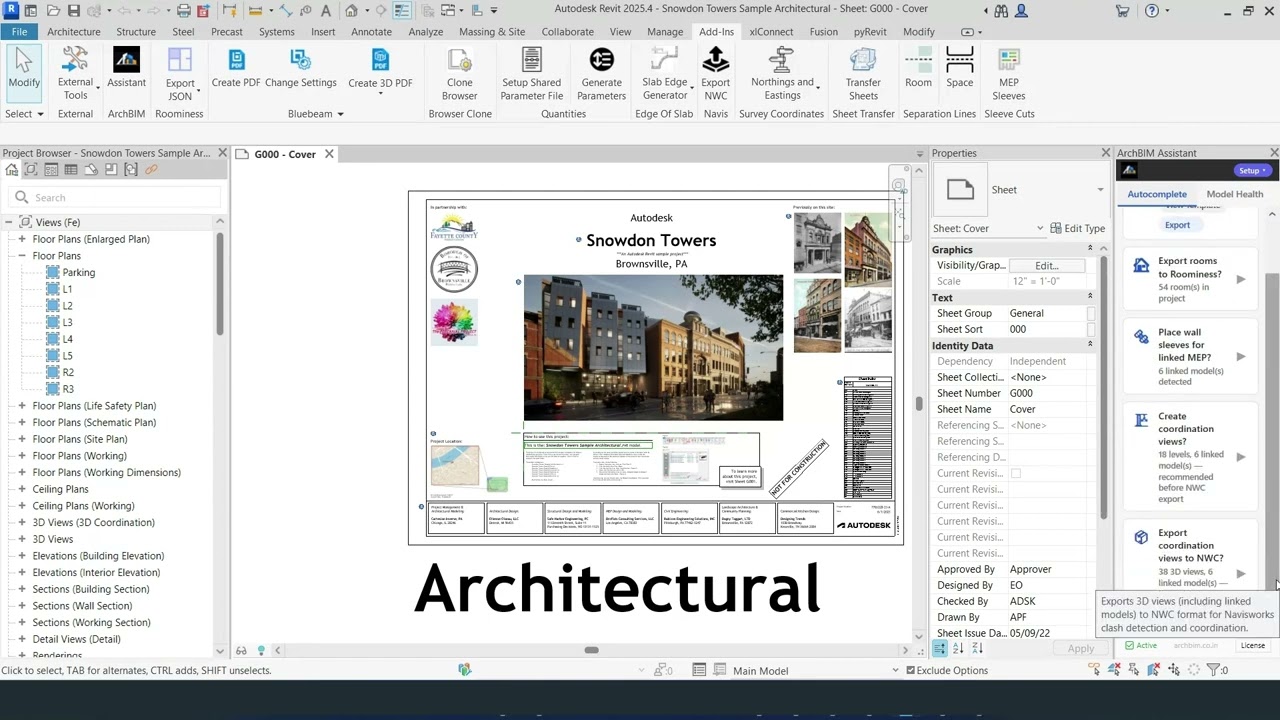
Contextual workflow assistant — detects your project phase and suggests the right tool at the right moment. One dockable panel, zero prompts to type.
More Revit tools in development.
Visualise regulation-compliant lifts, stairs, and shafts for UK residential buildings — concept-stage 3D volumes, straight in the browser.
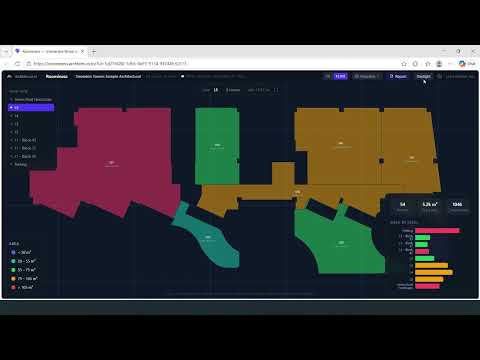
Visualise your Revit rooms in the browser — colour-coded 3D boxes, interactive level and area filters, drill into rooms to see openings and components. Export from Revit, drop the file in, explore instantly.
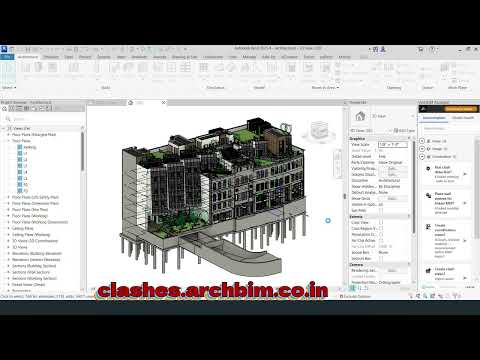
Solid-solid clash detection inside Revit with an interactive 3D web dashboard. Star the clashes that matter, and the Assistant creates one 3D section-box view per clash — ready to fix. Bundled with ArchBIM Assistant.
More browser-based BIM tools on the roadmap.
ArchBIM creates focused, reliable tools that solve real problems on real projects — not theoretical edge cases.
Every tool is designed around the practical constraints of AEC workflows: tight deadlines, complex models, and clients who just want the coordinates to be right.
Bulk operations on entire models in seconds.
Survey-accurate results, not approximations.
Installs in minutes. No configuration servers.
Thorough error handling and clear feedback.
ArchBIM Assistant detects your project phase and queues the right workflow — from setting up levels and templates to coordinating linked models and producing documentation. One click to execute.